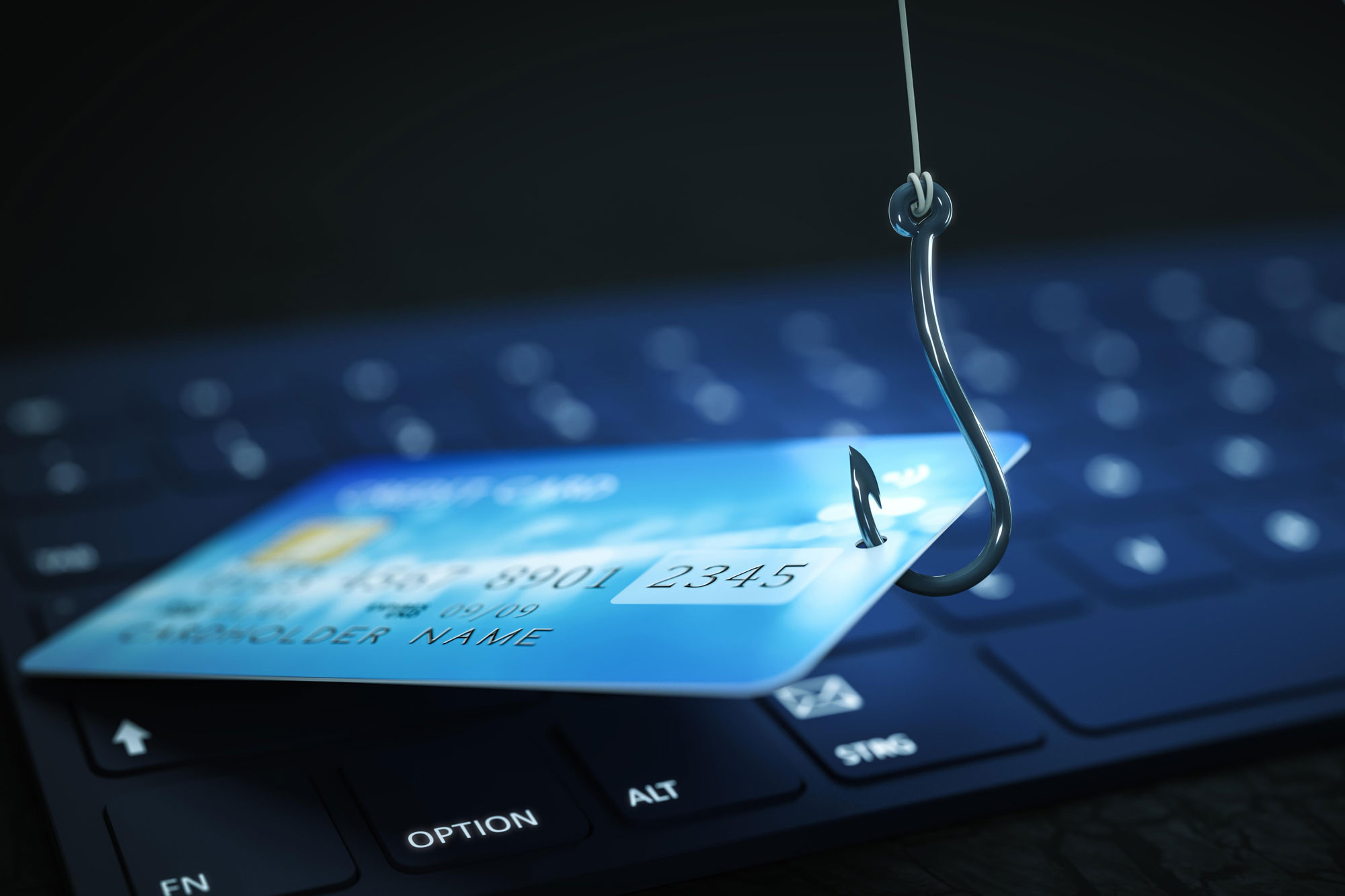
The Phishing Your Eye Can't See: Homograph Attacks (and How to Detect Them Before It's Too Late)
In the digital world, security relies not only on firewalls or antivirus software but on something much more human: visual perception. How can you tell if a legitimate domain really is? What happens when the trap looks visually identical?
Today, we discuss Homograph Attacks, an advanced phishing technique in which attackers register domains that appear identical to the original but are created with special characters or in other alphabets (such as Cyrillic or Greek).
How Does Deception Work?
A homograph attack replaces regular letters with visually identical characters:
- paypal.com → paypaΙ.com (the last “l” is a Greek iota)
- amazon.com → аmazon.com (the initial ‘a’ is Cyrillic)
- moddtech.com → moddtecһ.com (that “h” is Cyrillic)
At first glance, they look the same, but the domain is entirely different.These attacks often come through:
- Emails
- WhatsApp/Teams messages
- Ads on Google or Facebook
- QR codes in cafes, posters, or brochures
- Cloned sites redirected from smishing campaigns.
Practical Example 1: MFA Credential Theft
An employee receives an email from "Microsoft" notifying them that their MFA will expire.
The domain looks correct: microsoft-security.com
But the "o" is Cyrillic.
When clicking:
- The user enters their password + MFA.
- The attacker captures it in real time.
- The access is used to enter Teams, OneDrive, or SharePoint.
Practical Example 2: Fake Bank Page
The user searches for their bank on Google: bаnorte.mx
The first letter is fake.
The page:
- Looks identical
- Uses a valid SSL certificate
- And asks for "token verification."
Result: bank theft in minutes.
Practical Example 3: Attack on a Company with a Cloned Domain
A vendor sends a regular monthly quote.
The email comes from:@mycompany.cоm (last "o" is Cyrillic)
The attached PDF contains infostealer malware.
An employee opens it and:
- Steals Outlook password
- Gains access to on-premise files
- Sends emails to all clients from the real account
Consequences of Falling for a Homograph Attack
When a collaborator falls for this deception, the damage can be severe:
1. Credential and MFA Theft
Access to email, OneDrive, VPN, or financial systems.
2. Access to Critical Systems
Servers, dashboards, or ERPs are compromised.
3. Financial Theft
Unauthorized transfers, withdrawals, and purchases.
4. Stealthy Malware
Keyloggers, info-stealers, ransomware.
How We Detect and Shield Against It at Moddtech (with real MSP tools)
1. Quick Detection Checklist for End Users
A) Visually inspect the domain (carefully)
✔ Compare letter by letter.
✔ Get close to the screen (zoom).
Example:microsоft.com → hover over it to see if a strange domain appears.
B) Check the full link
✔ In Outlook: hover over the link without clicking
✔ On mobile: press and hold to observe the URL
C) Confirm the lock, but don’t trust blindly
SSL DOES NOT mean security. The attacker may have a homographic domain with a valid SSL.
D) Updated browser
Modern browsers detect various Unicode variants… but not all.
E) Business favorites
Bookmark in your browser:
- Office 365
- Banks
- ERP
- Internal portals
This reduces 80% of clicks on malicious URLs
2. Advanced Protection for Businesses with the Tools We Use at Moddtech
A) Graphus → AI-based Anti-phishingGraphus analyzes:
- suspicious domains
- homographic URLs
- credential requests
- anomalous sender behavior
✔ Detects if a domain uses disguised Unicode
✔ Blocks emails before they reach the user
✔ Warns when an email “looks” like it’s from someone known but isn’t.
In practice, Graphus detects many emails from “vendors” using visually identical domains but not registered in the historical communication record.
B) SaaS Alerts → Detection of suspicious activityDetects:
- Logins from unusual locations
- Failed MFA
- Malicious rules in Outlook
- Strange changes in SharePoint/OneDrive
Real example:
A homographic domain steals a password and logs into O365 → SaaS Alerts sends an immediate alert to the MSP team.
C) Datto EDR / AV → Blocking malicious pagesDatto EDR detects:
- Redirects to newly created domains
- Unicode phishing patterns
- Downloads of malware hidden in cloned pages
If the user clicks, it is automatically blocked.
D) Moddtech Essentials → Hardening and continuous control
Enables:
- Anti-phishing policies
- Blocking scripts executed from the browser
- DNS controls
- Unicode blacklists
- Continuous monitoring of the browser and plugins.
E) DNS Filters + Firewall (Sonicwall, Sophos, or Fortinet)
We configure filters to block:
- Unicode domains
- Newly created domains (<30 days)
- URLs categorized as “phishing,” “typo-squatting,” or “homographs”
F) Active Training (BullPhish)
We train your staff to recognize:
- Unicode variations
- Fake emails
- Suspicious URLs
- Dangerous attachments
With real scenarios tailored to each area.
Real Case
A client received an email from “Microsoft Billing” with the domain:
billing-microsоft.com(or Cyrillic)
The user clicked.Graphus intercepted it → sent it to Quarantine.
SaaS Alerts detected a login attempt from Russia.
Datto EDR blocked a payload downloaded in the background.
Result: the attack never caused damage.
Moddtech: Your Ally in Cybersecurity (without complications)
Homographic attacks are invisible to the human eye, but not to the right tools.
At Moddtech we combine:
Moddtech MSP Essentials
- Datto EDR
- Endpoint Backup
- Continuous monitoring
Moddtech MSP CloudSecure
- Graphus
- BullPhish
- SaaS Alerts
Firewalls
- Sonicwall
- Sophos
- Fortinet
…to protect your business even when attacks are visually undetectable.
Do you want to shield your company against attacks?
👉 Schedule a free assessment today.
Follow Us
.svg)